FeatureWhat it does for you
Use Online and Offline
General
Kasirini’s features can be used with internet or without internet, anytime anywhere.
Easy to Understand Display
General
Kasirini has a display that is easy to understand, and comes with a guide.
Kasirini implements an automatic shift system, to ensure that every cash flow is properly recorded.
Device Serial Number
General
Kasirini applies a serial number system for each device, making it easier for you to manage your device
Your data will automatically sync across all devices. So you don't have to worry about discrepancies.
You can turn on rounding to stop small discrepancies appearing in the sales total.
All Payment Methods
General
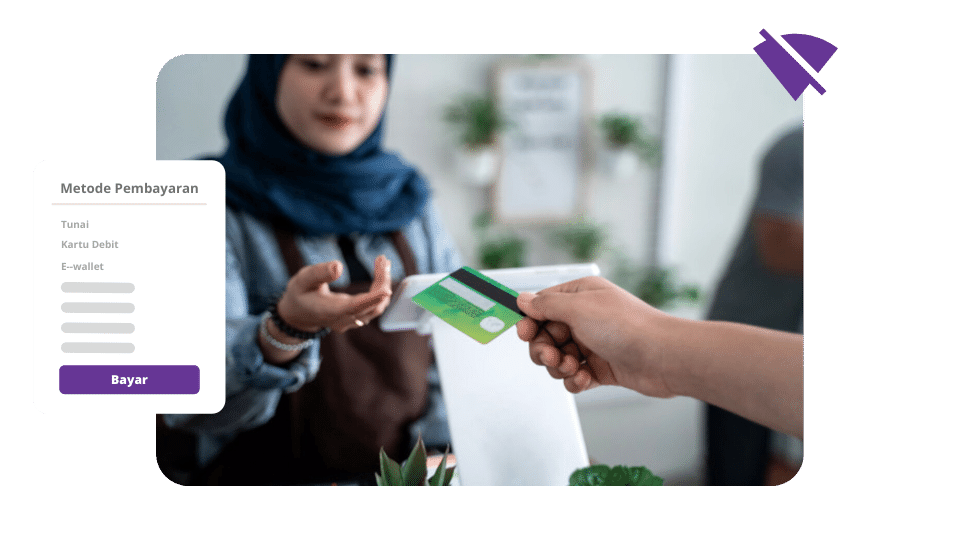
You can use all payment methods, and specify their names when later printed on the bill.
You can use units that suit your business, preventing confusion and incorrect data entry.
Full Sales History
General
You can see the complete sales history including operator, customer, amount of money, to refund.
You can choose your favorite/frequently sold items so that doing sales is faster and easier.
You can group products by category, speed up finding products for sale.
You can use a barcode scanner to input data, speed up input for retail stores and minimarkets.
You can use Kasirini as a cash register, perfect for you who just switched from a cash register.
You can use dine-in and take-away type in one bill, so that the order is not made wrong.
Save Bill/Transaction
Sales
Save an unpaid order and pick it up again when the customer is ready to pay.
You can attach a photo to every product and category, so cashiers pick from pictures and reach for the wrong item less often.
Split Payment On One Receipt
Sales
You can take more than one payment method for a single receipt — part cash and part QRIS, for example.
Discount At The Till
Sales
A cashier can type a discount straight onto the receipt without a pre-registered discount rule, and every one is logged with the cashier's name and the time.
You can log every usage of the whole product so you can monitor stock quickly and easily.
You can record all the ingredients needed to make a product so you know which processed products will run out.
You can add stock quickly and easily, and you can immediately see the number of stocks without any hassle.
You can compare the system stock with the actual stock so that there will be no stock discrepancy, and the adjustment can be submitted from the dashboard too, not only from the cashier app.
You can find out which materials cannot be used because they are damaged or expired.
The most complete stock history including purchases, opname stock and wasted stock.
Full stock usage details can be viewed without internet.
Stock reminder when running low so you don't have to worry about running out of stock again.
You can find out the actual amount of stock, including for liquid products, sacks, and others.
Stock Transfer Between Outlets
Stock
You can move goods between outlets, and the movement is recorded as a transfer rather than a sale.
You can keep a list of suppliers and their contact details, and it travels to the till as well — so you are not hunting for a number in another notebook when it is time to reorder.
Record All Your Customer Details
Customer
No need to bother anymore, you can record customer details with Kasirini.
By saving customer data, you can find out how many times your customer has made a transaction.
Customer Discount
Customer
You can give promos and discounts to your customers according to their habits.
Customer Name On Bill
Customer
You can add customer names to save/print in bills.
You can more easily manage and get reports for your customer groups.
Shared Customer Book
Customer
You can choose which outlets share one customer base — useful when you want customers recognised at every outlet, or deliberately kept separate per outlet.
Record All Employee Details
Employee
Add employee details such as position and personal data to make it easier for you to manage employees
Using a pin code provides maximum security for employees
Easy to change employee shifts
Change Shift Offline
Employee
It is possible to change employee shifts without internet.
Restrict Employee Access Permission
Employee
Restrict employee access permission, what can be done and what cannot be done
Add Employee Without Register
Employee
Add employees without registering via the internet
Attendance & Attendance Summary
Employee
You can build an attendance schedule and record staff attendance, with both a summary and a monthly recap — clock-ins and shift handovers are no longer written in a notebook.
More than 30 kinds of sales, stock and staff report
Showing 43 of 43 features.